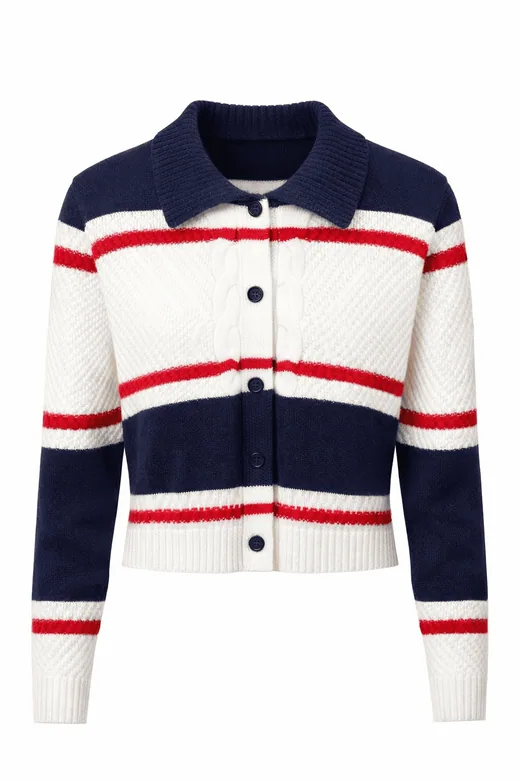
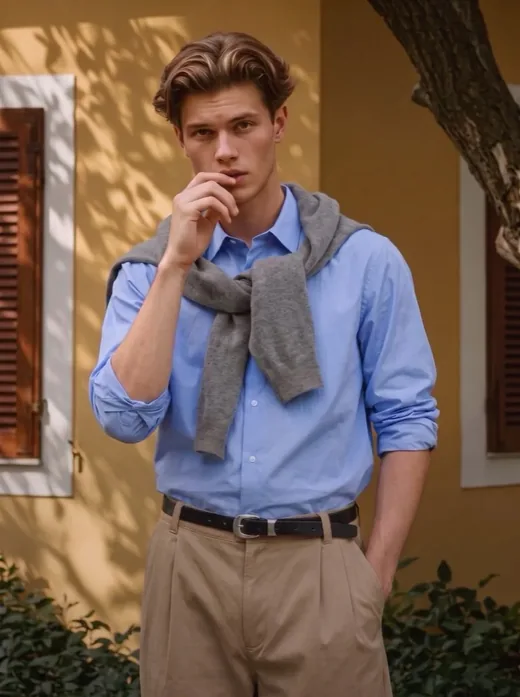
What is Diress? AI product photography tools and workflow
A guide to Diress for fashion brands and online sellers: model photos, backgrounds, upscaling, banners, videos, pricing and what to check before publishing.
 Diress Team6 min read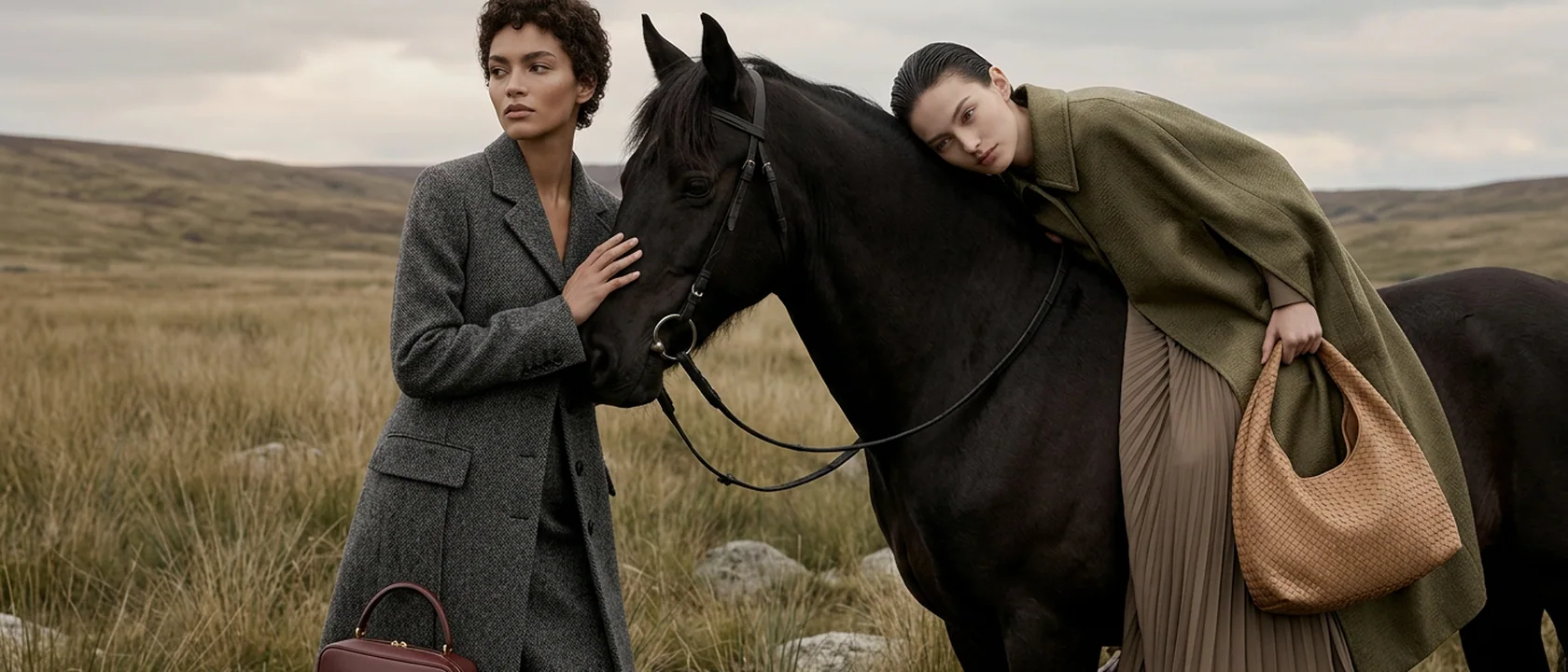
Diress is an AI product photography app for fashion brands, online sellers and catalog teams. It turns uploaded product photos into model shots, product images, promotional banners and videos, with editing tools for backgrounds, resolution, colors and poses.
The workflow starts with a photo of your actual product. You choose the presentation you need, generate a result, and check that it represents the product accurately before publishing. Diress can help create a set of visual options without arranging a separate photo shoot for every variation.
Choose the tool for your task
- Show clothing on a model: use Virtual Model. Upload product photos, choose a model, location and shooting style, then generate model shots.
- Improve an existing product shot: use Refiner to change the presentation of a photo you already have.
- Isolate a product: use Remove Background. It supports single images and bulk processing.
- Increase output resolution: use Upscale. Choose the output resolution and compare the enhanced image with the original.
- Explore a different pose: use Pose & Angle with your model photo and product references.
- Prepare color alternatives: use Change Color for a single image or multiple product photos. Check the generated color against the real item.
- Explore a back view: use Back Side. A generated back view can contain inferred details, so it should not replace a real reference when accuracy is essential.
- Make a specific image edit: use Edit Room and describe the change in writing.
- Build promotional artwork: use Banner Studio and choose a banner type, tone, language and format.
- Create motion from a still: use Image to Video, set the duration, aspect ratio and quality, and review the generated clip.
A practical clothing catalog workflow
- Prepare the product photos. Use clear, well-lit images that show the full item. Include additional angles when important details are hidden in the main photo.
- Open Virtual Model. Upload the product, then check the detected clothing category and gender. Select the model, age, shooting style and location appropriate for the intended image.
- Add instructions only where needed. Describe styling or presentation requirements in the detail field. A reference photo can help communicate a particular look, but it does not guarantee an exact reproduction.
- Generate and inspect the result. Check garment length, buttons, seams, logos, prints, color, hands and accessories against the source photos. Generate another option if a detail is incorrect.
- Prepare the required formats. Remove the background for an isolated product image, upscale a selected result, or create a banner or video for a campaign. Choose the tools based on what you need rather than processing every image through every tool.
- Review before publishing. Check the current image requirements of your store or marketplace. An AI-generated scene is a presentation of the product, not evidence of details the original image did not show.
Use consistent references across a collection
When a collection needs a consistent look, reuse the selected model and location, and keep the shooting style aligned across products. For a campaign with a different direction, change the location or styling deliberately instead of relying on unrelated results.
Only upload photos you have permission to use. When a real person is involved, obtain the necessary permission for their likeness. Keep the actual product photos available so you can compare generated details with the source.
Plans, credits and supported platforms
The official website is diress.ai. You can also find Diress on the Apple App Store and Google Play. The publisher is Monailisa Lab.
See plans and credits for current subscriptions and credit packs. Prices and credit requirements can change, so this guide does not quote a fixed price or promise a fixed generation time. Check the information shown for the operation you are about to run.
For account, billing or product questions, use the contact page or email [email protected]. Purchase questions are also covered by the refund policy.
Frequently asked questions
What is Diress used for?
Diress is an AI product photography app for creating fashion model shots, product images, promotional banners and short videos from uploaded photos. It also includes background removal, image upscaling, pose changes, color variations and photo editing tools.
Who is Diress designed for?
Diress is designed for clothing brands, online sellers and catalog teams that need different presentations of their products. A seller can start with a product photo, choose a model and a location, and create images to review for a listing or campaign.
Is Diress available on the web, iPhone and Android?
Diress is available at diress.ai and through its official Apple App Store and Google Play listings. The website can be used in desktop, tablet and mobile browsers.
How is AI model photography different from image upscaling?
Model photography generates a new scene showing the product on a model. Upscaling increases the resolution of an existing image. Choose model photography for a new presentation, or Upscale when you want to work from the image you already have.
Can I choose the model and location?
The Virtual Model workflow includes model and location selection, shooting styles, pose controls and additional instructions. You can also create a custom model or location. Use only reference photos that you have permission to use.
Will every product detail be reproduced exactly?
AI-generated images can alter details or infer parts that are not visible in a source photo. Compare the result with the actual product, especially logos, prints, seams, jewelry, colors and back views. Keep original photos for factual product details and review each result before publishing.
How do Diress pricing and credits work?
Diress offers subscription plans and credit packs. The pricing page lists current options, and generation controls show the credit requirements for the selected operation. Check the current plan, available balance and download conditions before choosing a workflow.
Upload a product photo and get a shoot in seconds
No studio, model or photographer needed. Your first generation is free.